A little less effort. A lot more done.
Everyday tools, all in one place.
Use 113 tools free, no sign-up required. Get 20 advanced-tool trials when you sign up, plus 3 monthly trials starting the following month. Pro includes all 143 tools with unlimited use and higher file and batch limits.
Browse by category
Find the right tools for your task.
Everyday favorites
A few useful places to start.
Convert image
Convert one image or a batch between JPG, PNG, WebP and AVIF. Preview locally and download individual files or a ZIP.
Compress image
Compress one image or a batch with shared quality settings. Keep original formats or choose a new format, then download together.
Remove background
Remove an image background on your device.
Merge PDF
Bring your documents together, in order.
Split PDF
Separate pages or extract the ranges you need.
Compress video
Compress one video or a batch. Adjust quality for one file, or use a shared preset and size target for several videos.
Convert audio
Convert one audio file or switch to Batch to convert several files to MP3 and download together.
Password generator
Create random passwords with secure randomness.
Format JSON
Format, validate or minify JSON without losing large integers.
Word and character count
Count words, characters, lines and reading time.
QR code generator
Create QR codes for text, links, Wi-Fi and contacts.
Color converter
Convert HEX, RGB and HSL color values.
From file to finished in three steps.
Start with your input
Open a free tool to start. Sign in to try advanced tools.
Make it your own
Adjust the settings and preview your changes.
Save the result
Preview your result, then copy the text or download your files.
A few things worth knowing
Latest guides
Practical guides to working with images, PDFs, media and code.
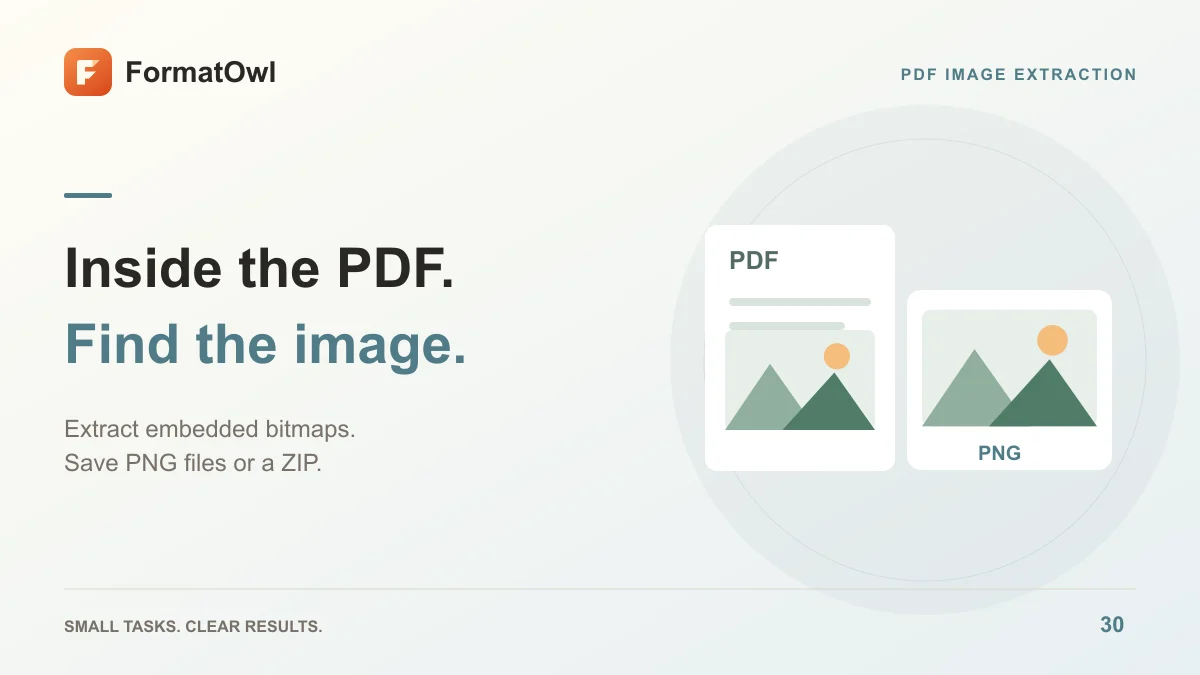
How to Extract Images from a PDF as PNG Files
Extract embedded bitmap images from selected PDF pages, save PNG files or a ZIP, and distinguish image extraction from full-page rendering.

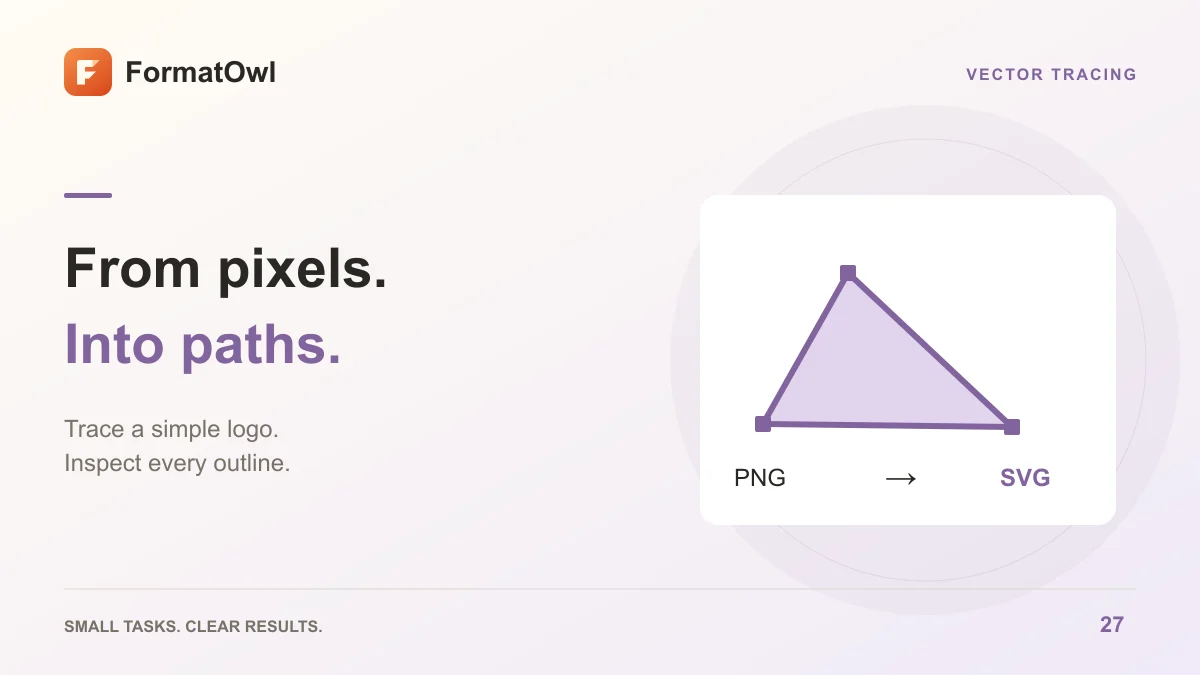
How to Convert PNG to SVG: Trace Logos into Editable Paths
Trace a PNG into SVG paths in your browser. Choose colors and detail, inspect the result, and understand white backgrounds and tracing limits.
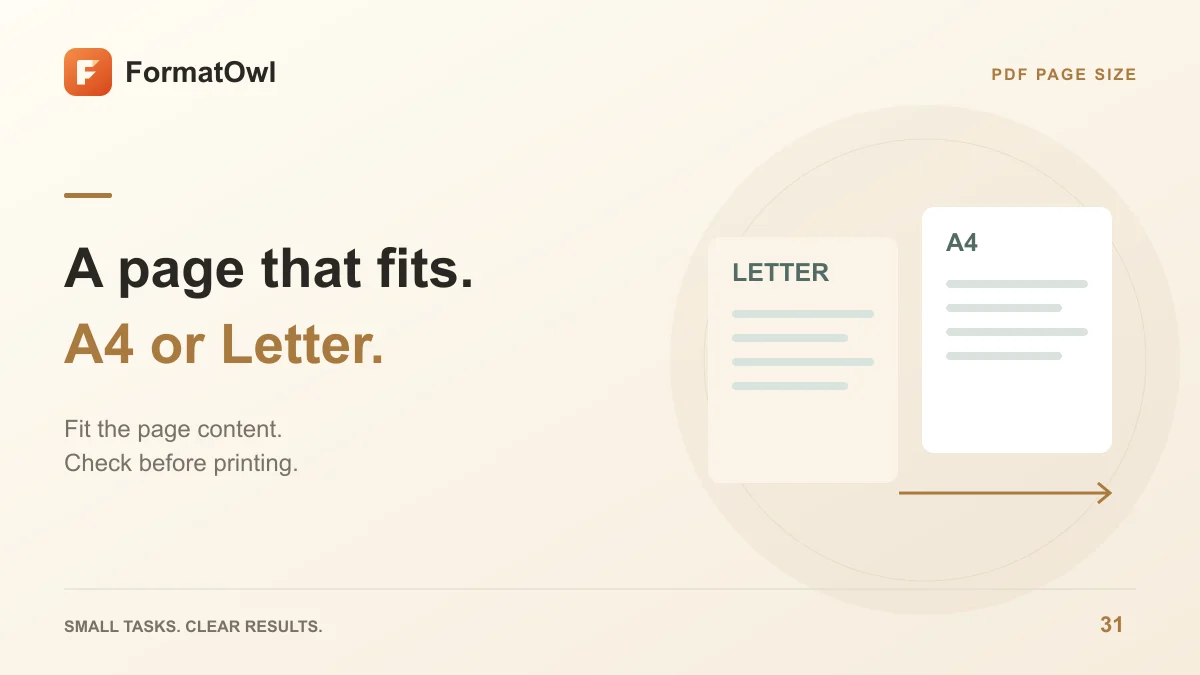
How to Resize PDF Pages to A4 or Letter
Change PDF page size to A4, Letter or custom dimensions. Fit and center content, choose page ranges and check orientation before printing.