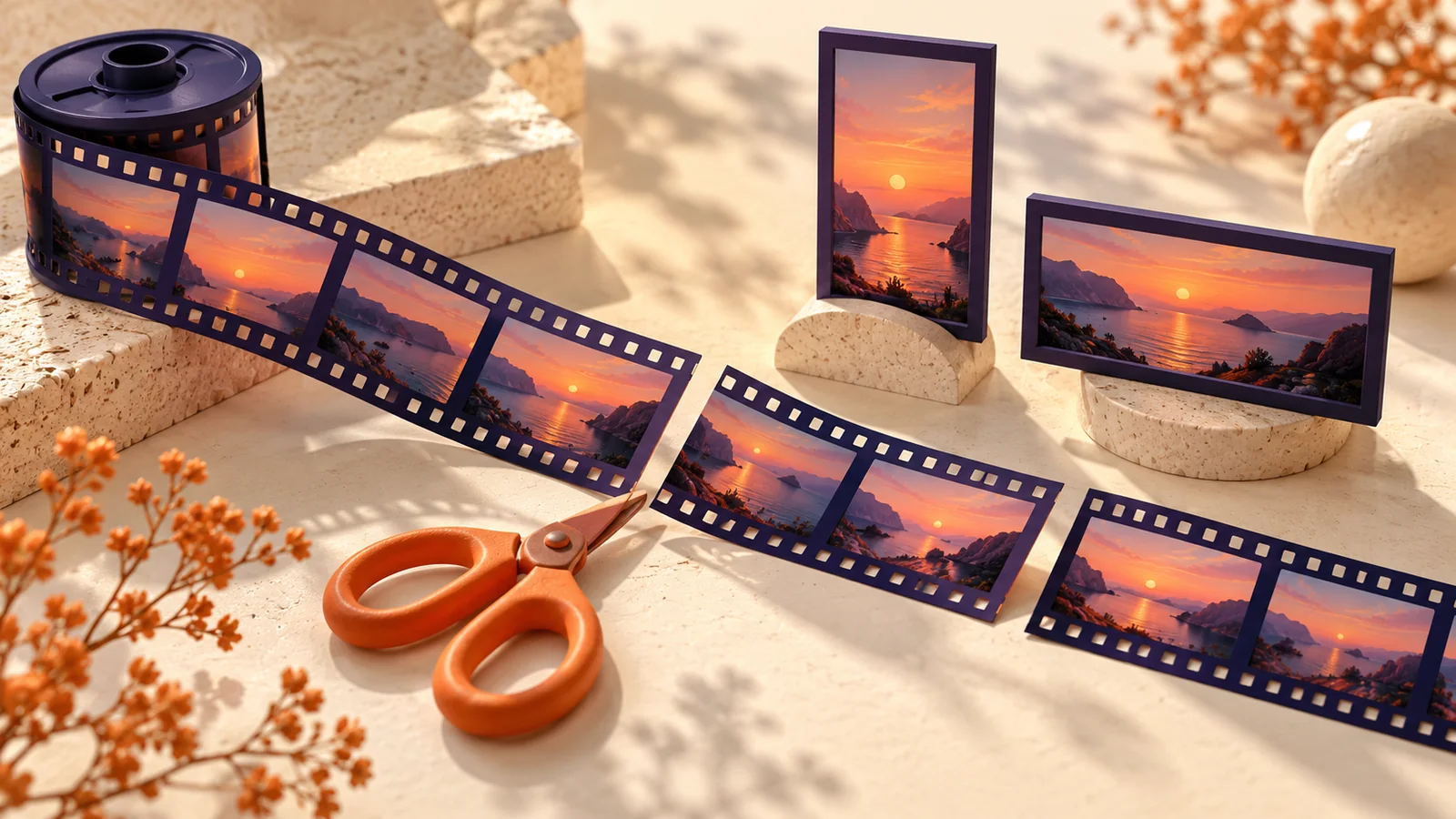
Turn a Long Video into Short Clips: Crop, Split and Check
Plan short clips with time-based splitting, vertical crops, numbering and frame extraction without assuming automatic highlight detection.
A long recording rarely becomes a useful short video just by being divided into equal pieces. A sentence can be cut in half, a speaker can move outside a vertical crop, and a slide can lose its labels.
Start by deciding whether you need uniform segments or a few carefully chosen excerpts. FormatOwl's short video maker splits by time or clip count; it does not find highlights, transcribe speech or generate subtitles.
Pick the operation that matches your edit
| Desired result | Tool | What to decide |
|---|---|---|
| One selected excerpt | Trim | Start and end in seconds |
| Several regular segments | Split | Seconds per clip or clip count |
| Numbered, optionally vertical segments | Short video maker | Crop and numbering options |
| A custom visible region | Crop | Dimensions and offsets |
Choose a meaningful beginning and ending before creating equal segments. For a spoken demonstration, listen to the boundary rather than relying only on the displayed timestamp.
Understand cropping versus resizing
Resizing changes pixel dimensions while retaining the scene's proportions. Cropping removes part of the scene. A centered 9:16 crop from landscape footage can exclude people or labels near either side.
Review the subject at the beginning, middle and end of the recording. A crop that works for the first frame may not work when the subject moves. For off-center subjects, use the custom crop controls and inspect the downloaded result.
A sideways source may need rotation first. A quarter turn exchanges width and height. Keep the original and avoid unnecessary rounds of encoding while testing your composition.
Make numbered segments
- Open the short video maker and select a supported source file.
- Choose segment duration or total clip count.
- Enable the optional centered vertical crop only if the subject fits.
- Set a numbering prefix if you want a visible sequence label.
- Process and download the clips or ZIP, then play each boundary.
A run supports up to 100 clips. Duration-based splitting can leave a shorter final segment. Numbered watermarks are visual labels, not separate editable caption tracks.
The tool is available with advanced trials or Pro. Media files are processed locally after the required engine loads, and the input must fit your plan limits.
Add only the finishing changes you need
Use video watermarking when you need a consistent text or image overlay. Place it where it does not obscure faces, demonstrations or existing captions. Keep an unwatermarked original.
Speed adjustment supports 0.25× to 4× and changes the audio tempo along with the video. Listen for artifacts at extreme settings. It does not create additional captured detail for slow motion.
For a cover image, extract frames at a modest sampling rate, then select a clear moment. The exporter allows up to 300 frames per run. A short clip or low sampling rate is easier to review than hundreds of nearly identical images. You can finish the cover with the banner maker.
Key takeaways
- Time-based splitting is predictable, but it needs editorial review.
- Vertical cropping removes content; resizing is a different operation.
- Check moving subjects and every clip boundary.
- Review watermarks, audio and exported frames before sharing.
Use the short video maker once you have chosen a segment plan that makes sense for your recording.
More Posts
How to Extract Images from a PDF as PNG Files
Extract embedded bitmap images from selected PDF pages, save PNG files or a ZIP, and distinguish image extraction from full-page rendering.

How to Convert PNG to SVG: Trace Logos into Editable Paths
Trace a PNG into SVG paths in your browser. Choose colors and detail, inspect the result, and understand white backgrounds and tracing limits.
How to Resize PDF Pages to A4 or Letter
Change PDF page size to A4, Letter or custom dimensions. Fit and center content, choose page ranges and check orientation before printing.
FormatOwl updates
Useful tools, practical tips
Get new FormatOwl tools, improvements and how-to guides.